Browse IntoBlocks builds for Minecraft Java Edition. Preview each build in 3D and download .litematic or .schem files for free.
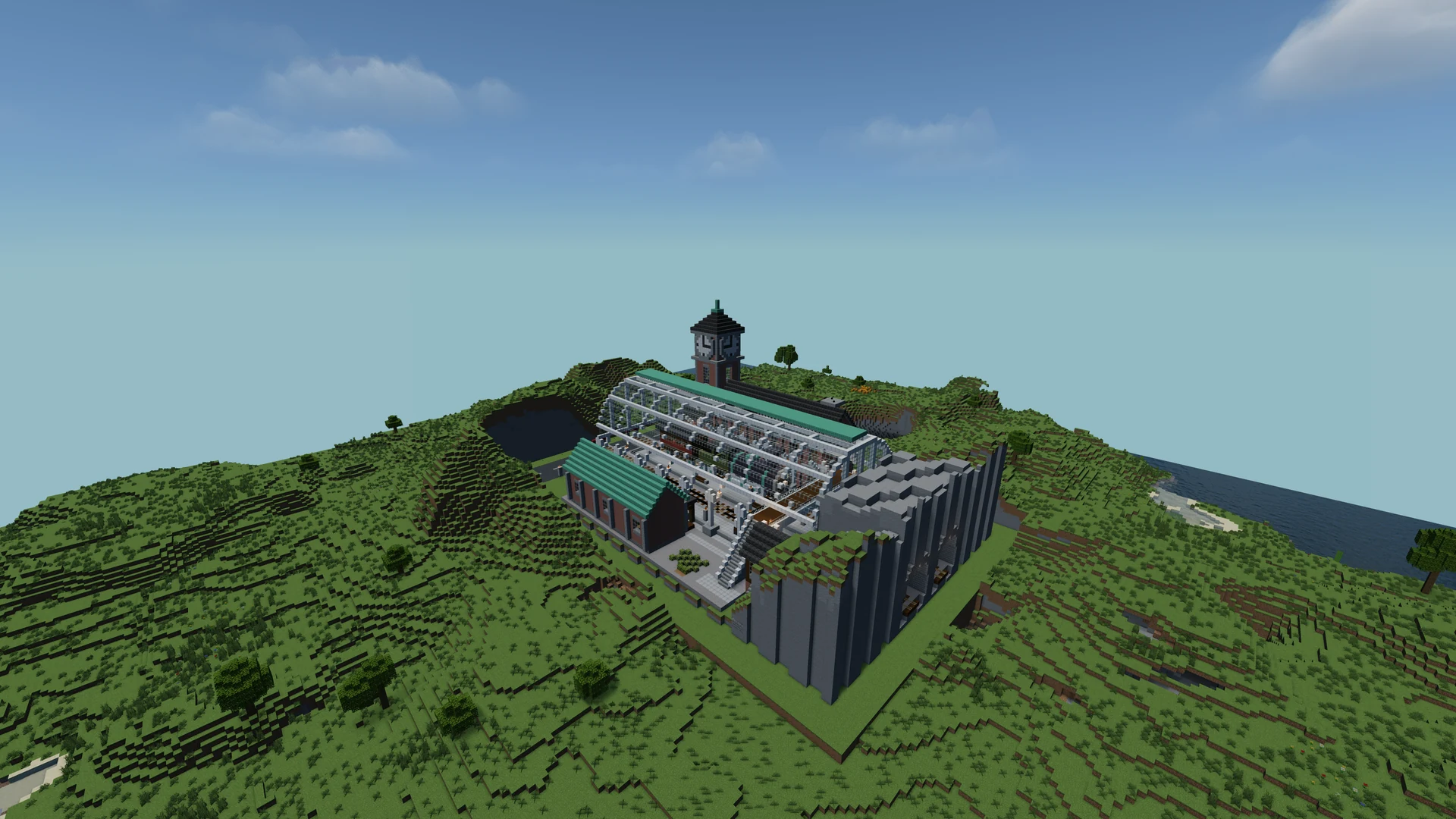
 Build by IntoBlocks.app
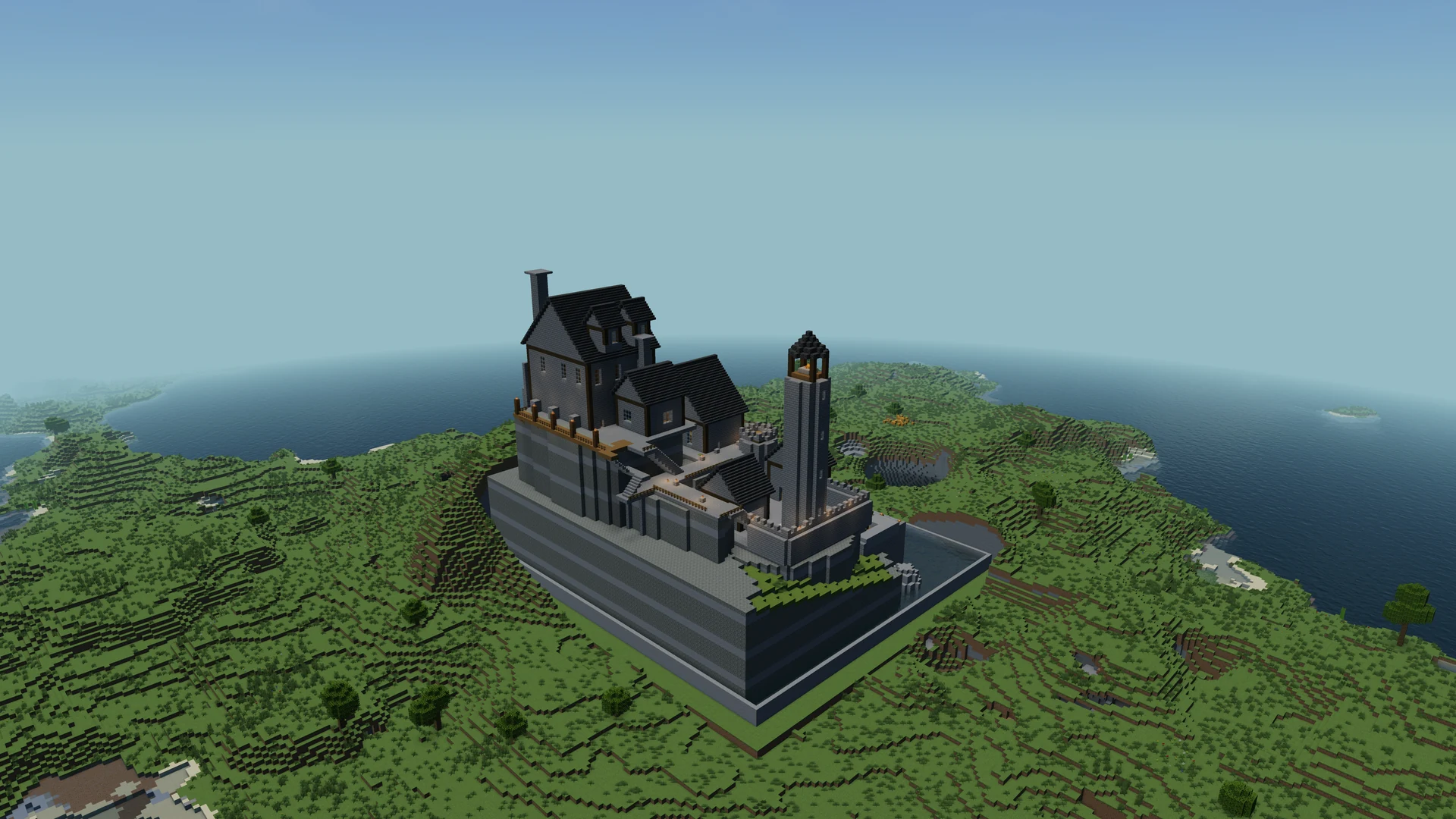 Build by IntoBlocks.app
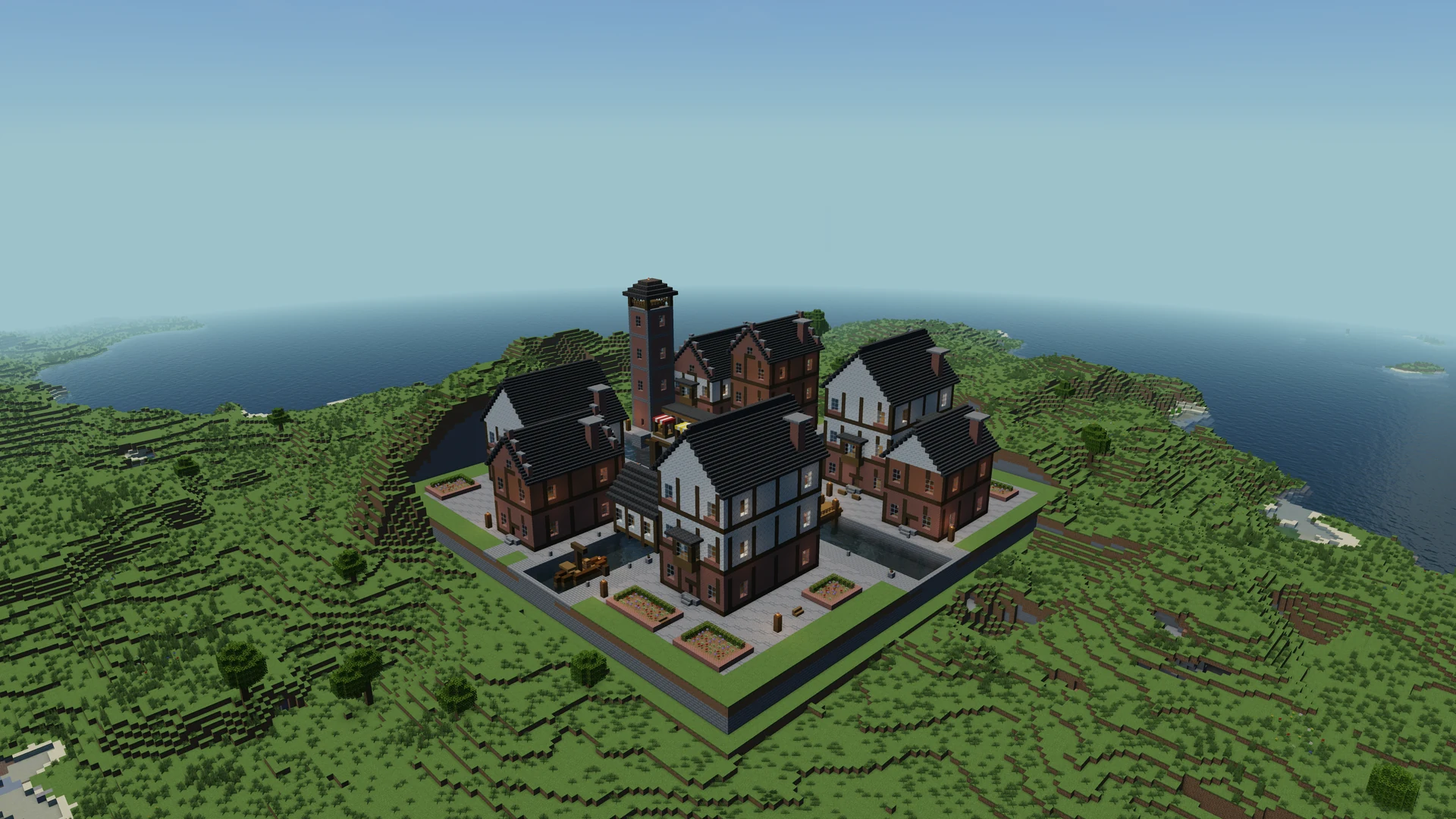 Build by IntoBlocks.app
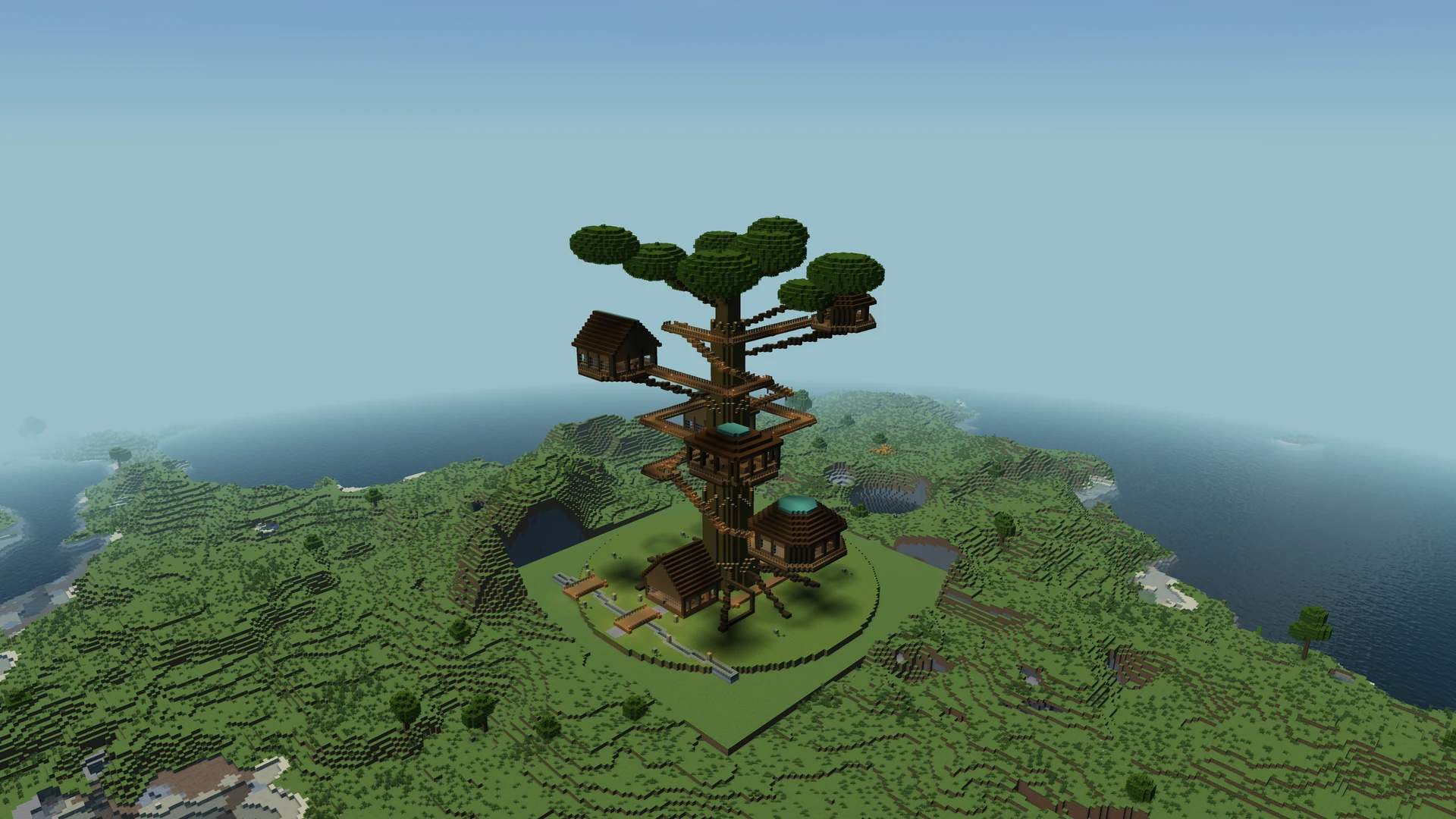 Build by IntoBlocks.app
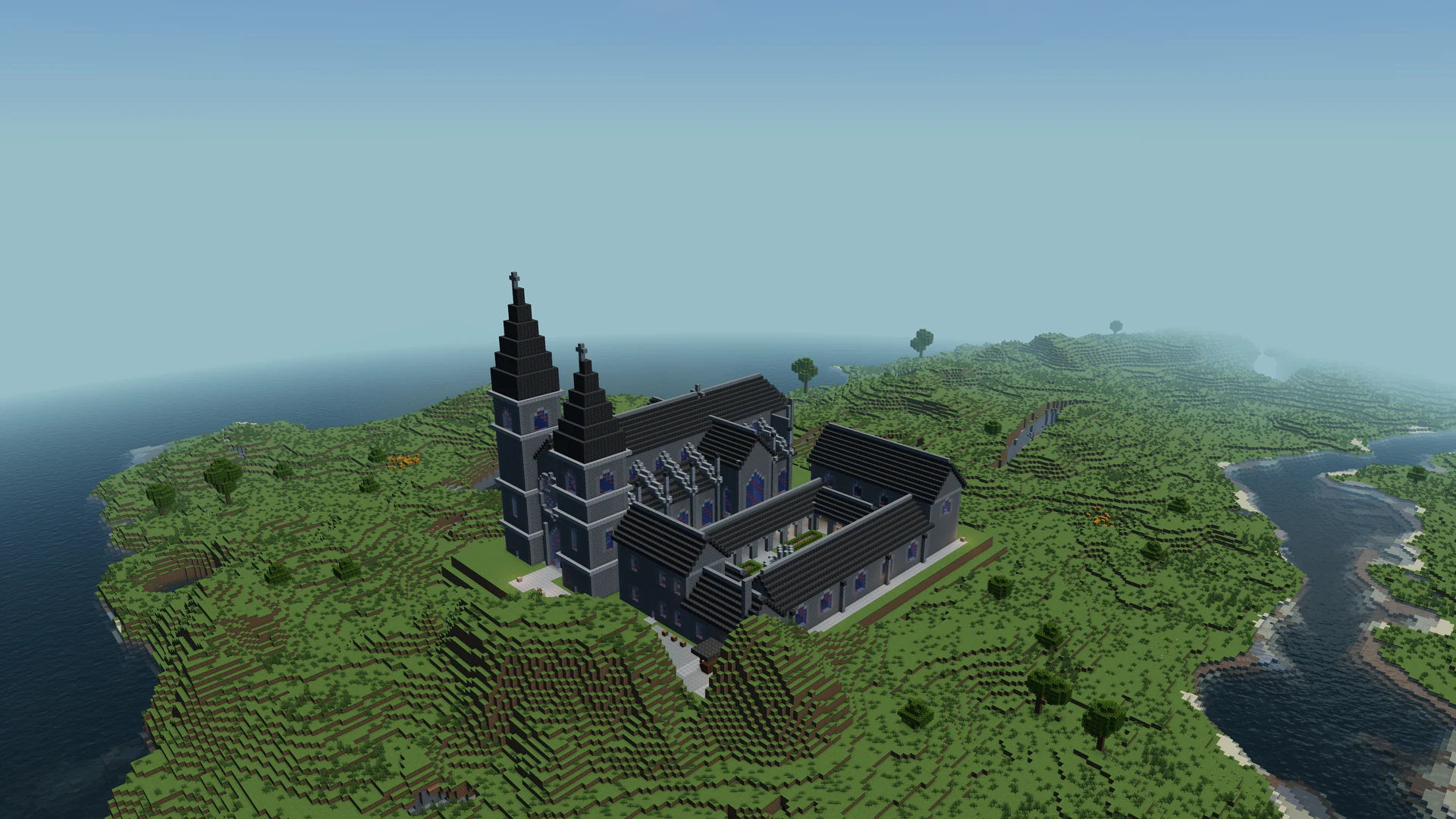 Build by IntoBlocks.app
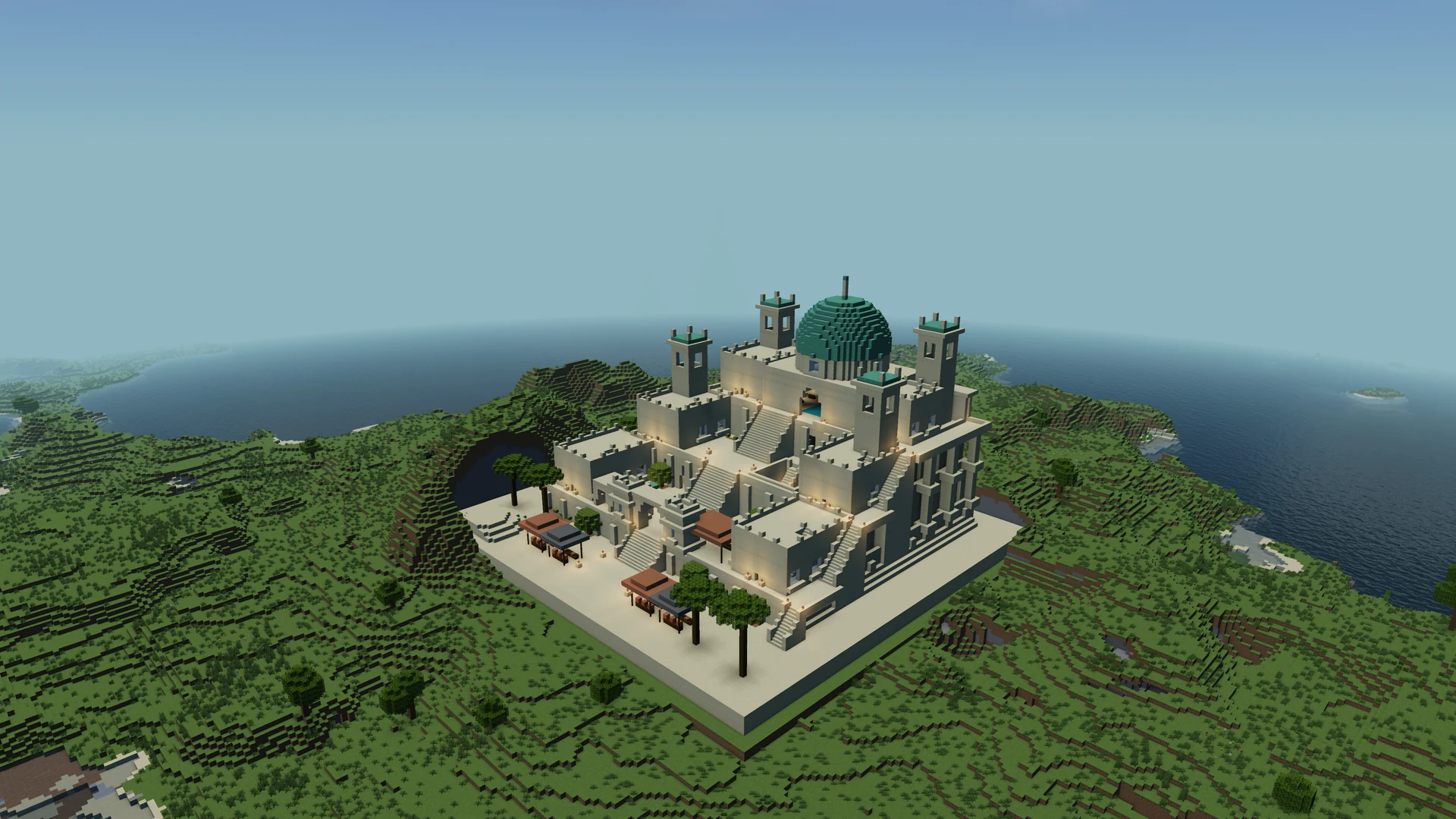 Build by IntoBlocks.app
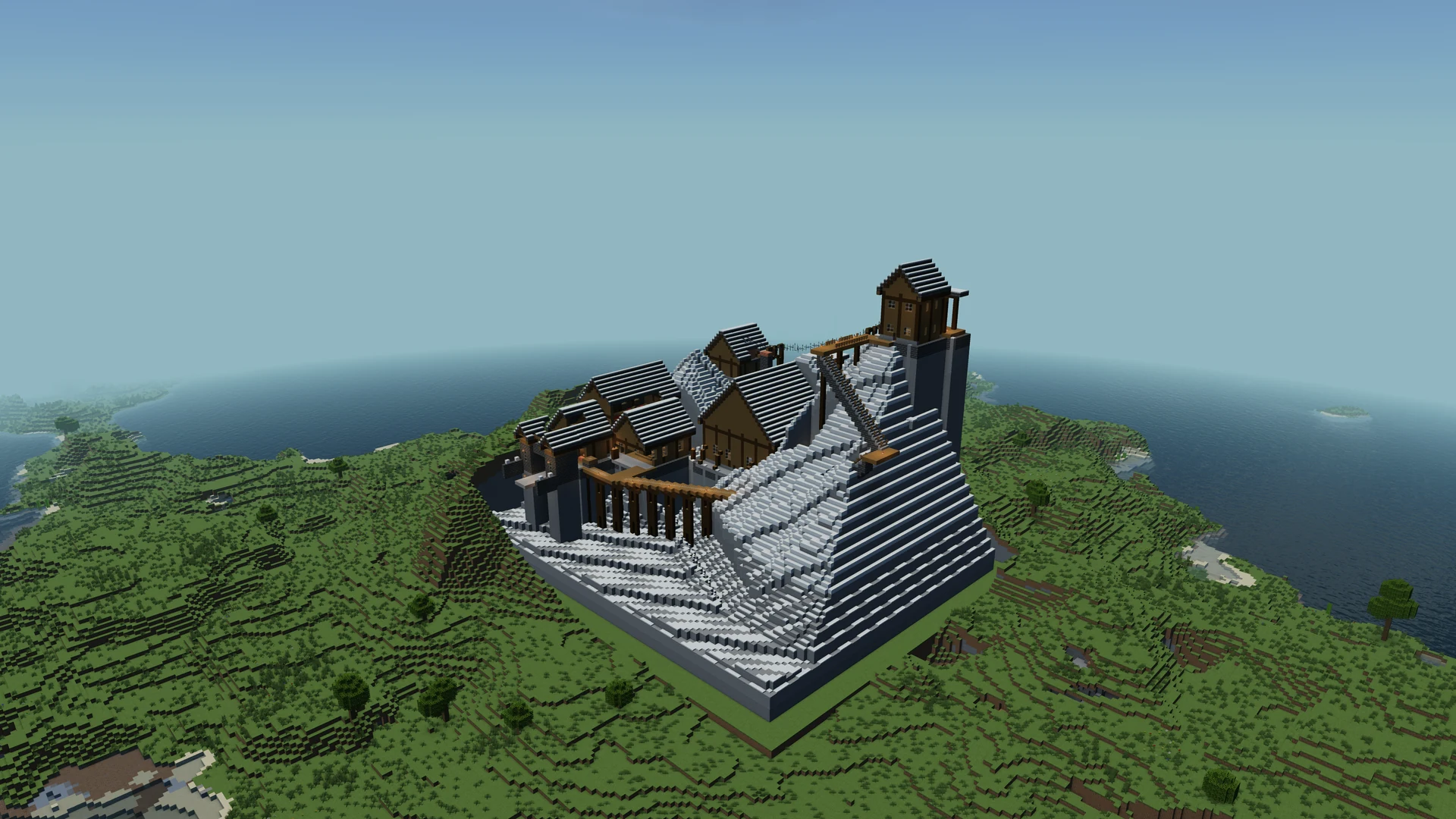 Build by IntoBlocks.app
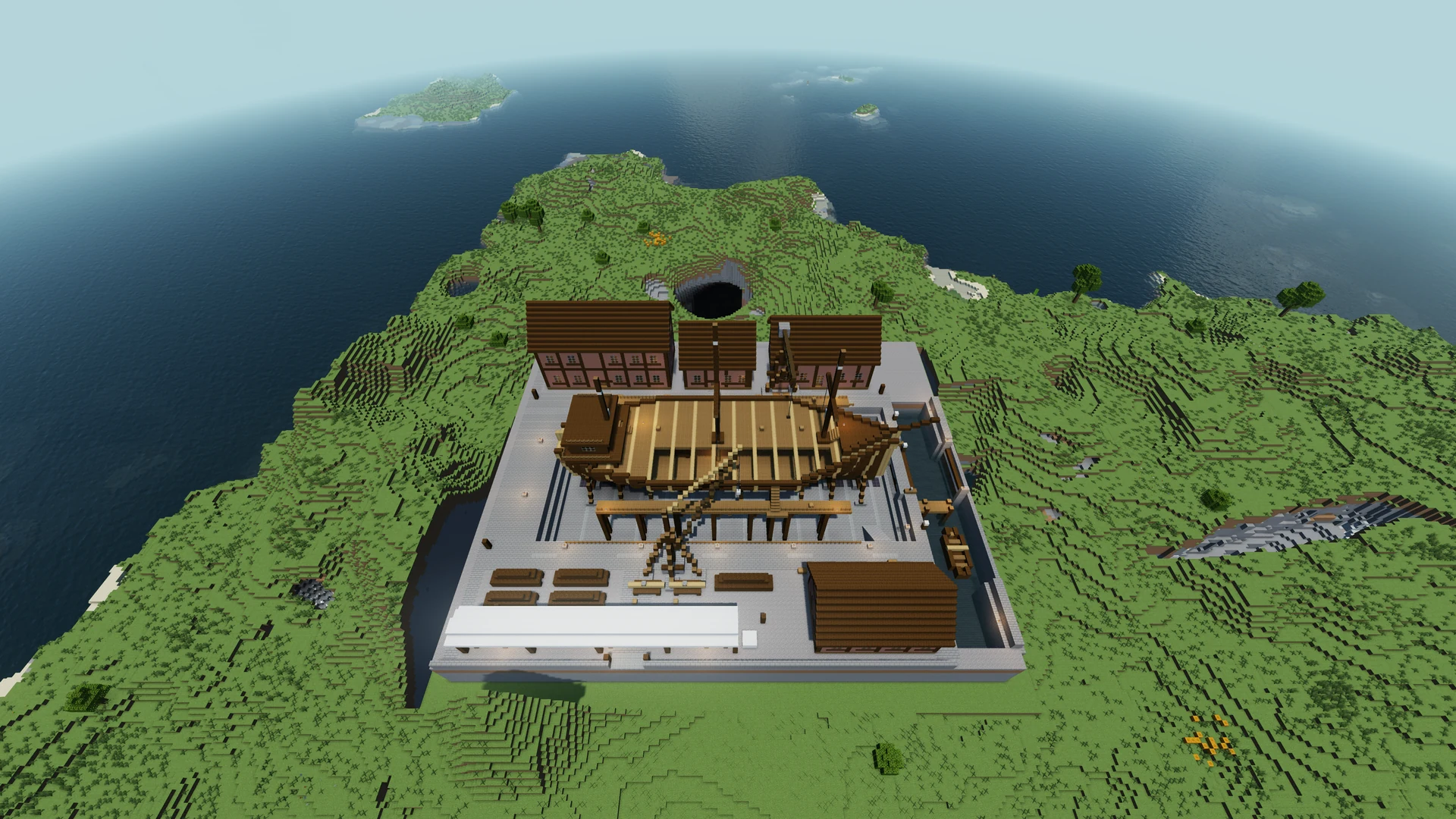 Build by IntoBlocks.app
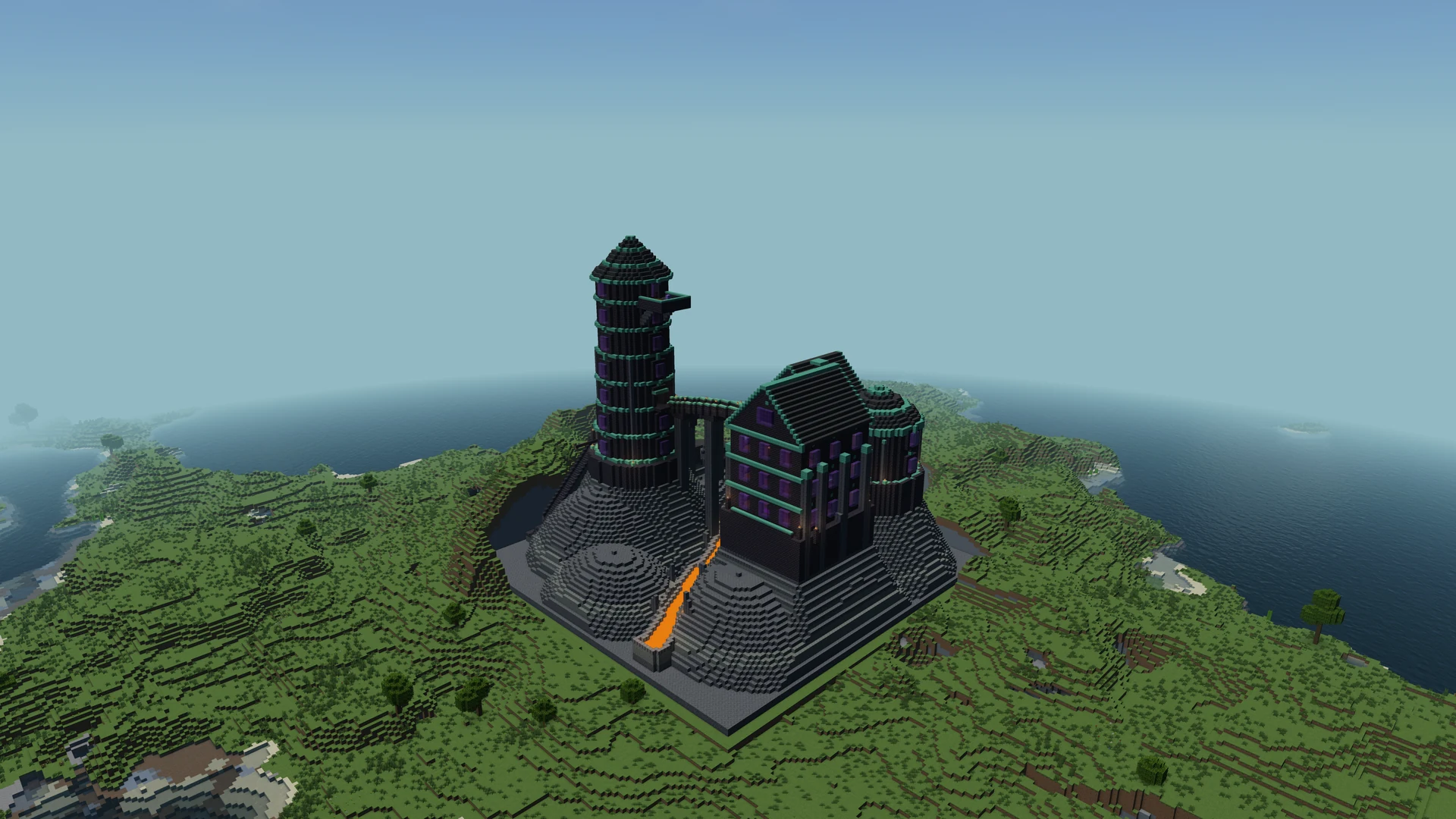 Build by IntoBlocks.app
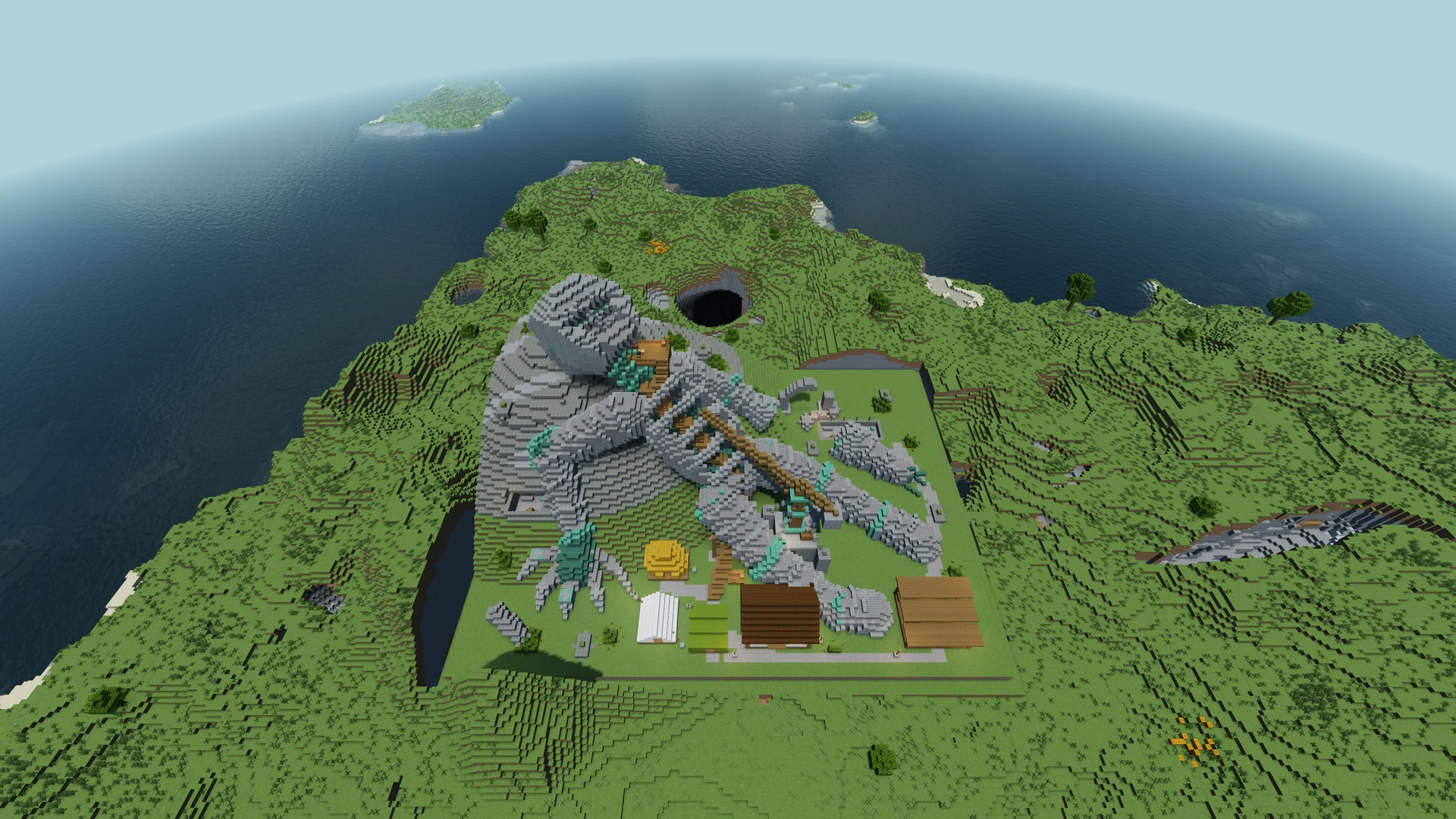 Build by IntoBlocks.app
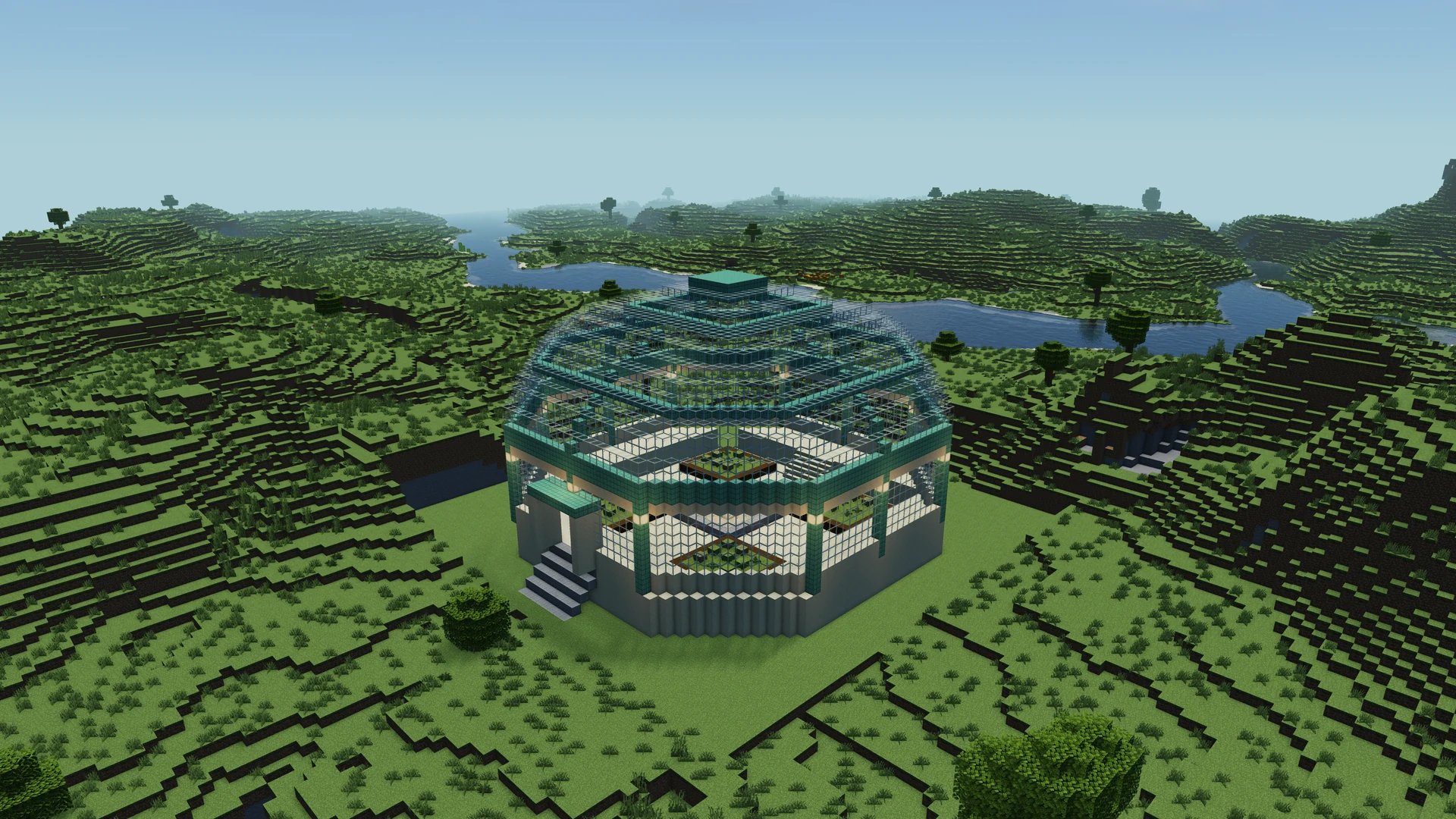 Build by IntoBlocks.app
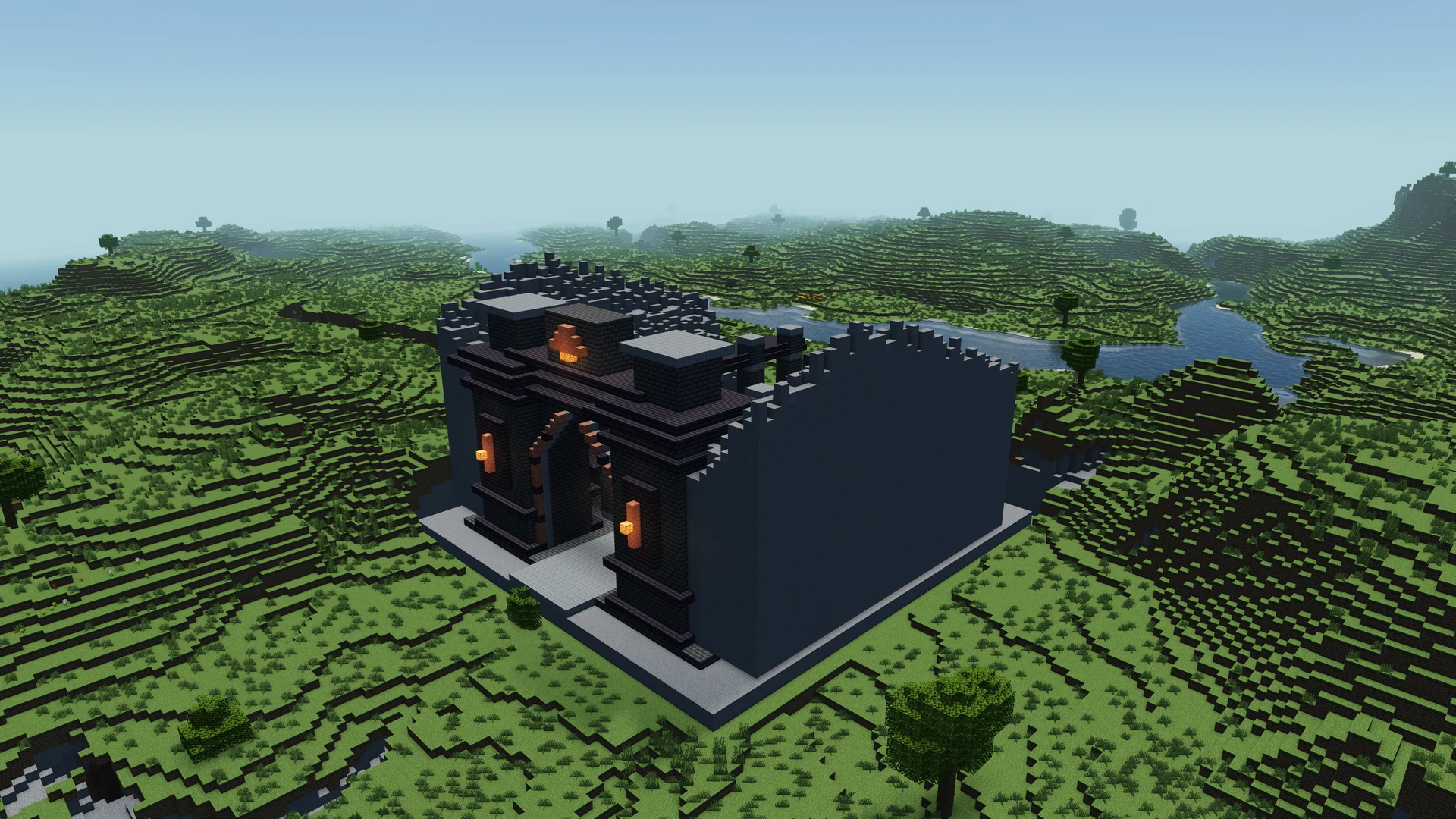 Build by IntoBlocks.app
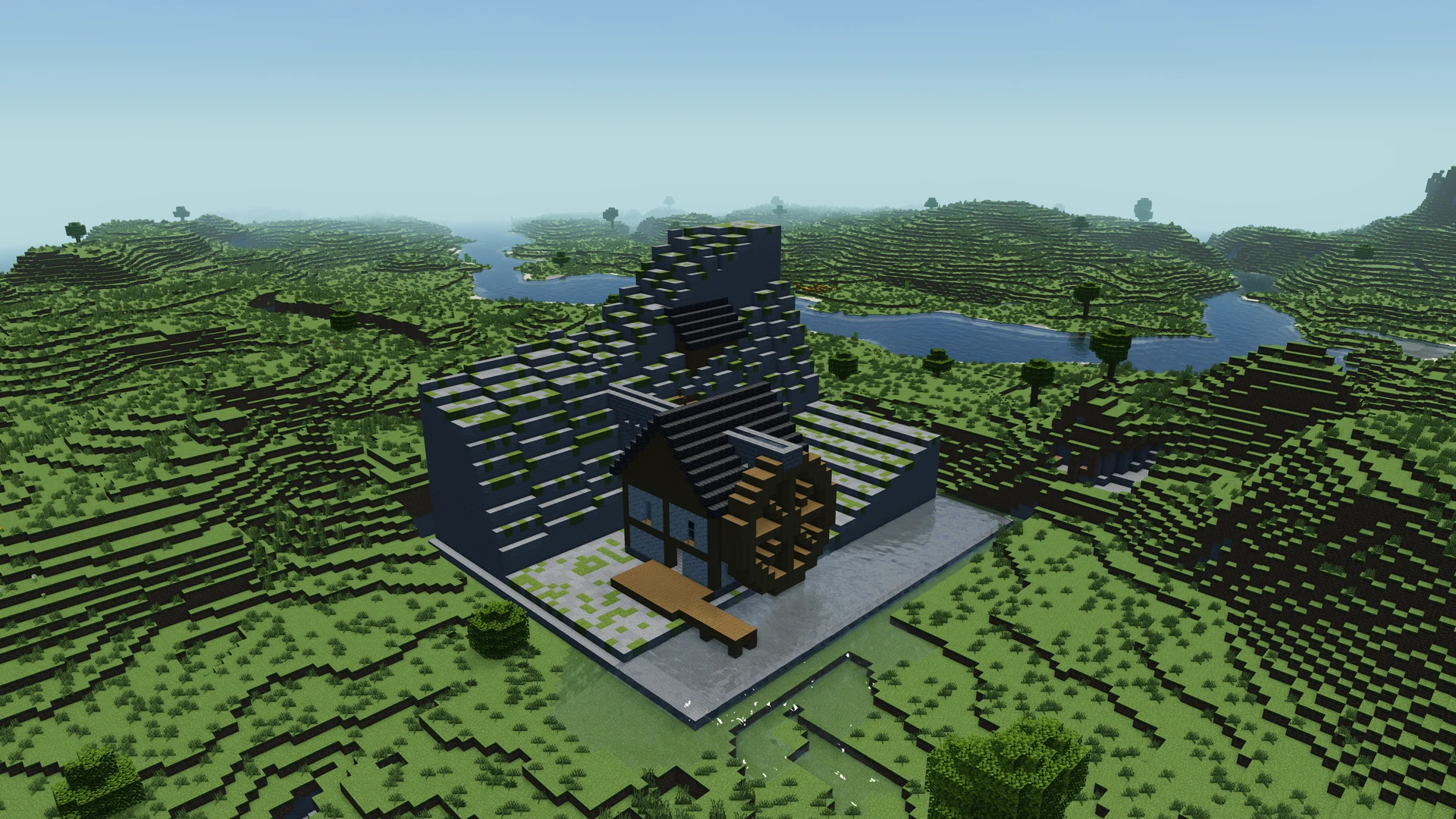 Build by IntoBlocks.app
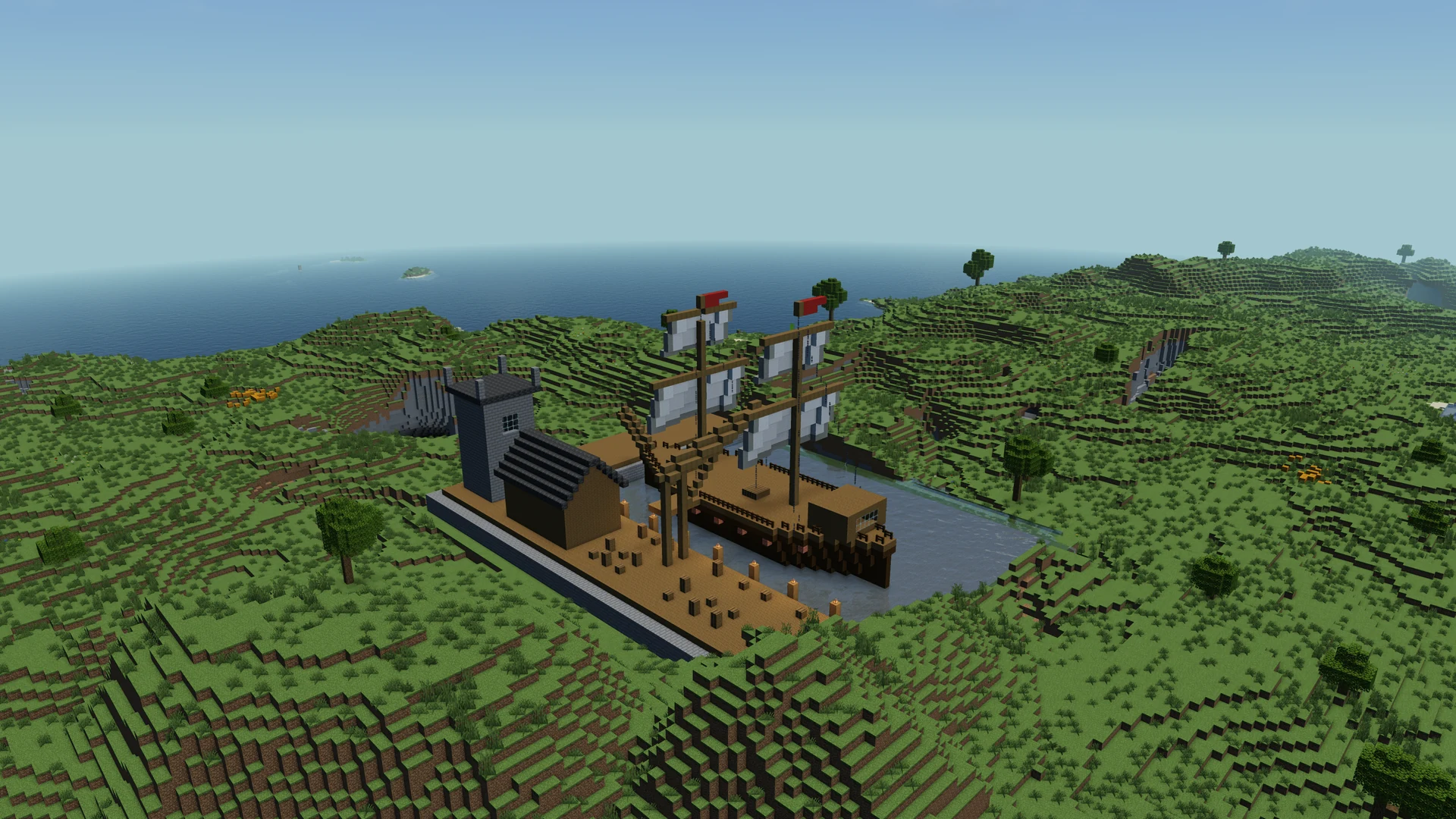 Build by IntoBlocks.app
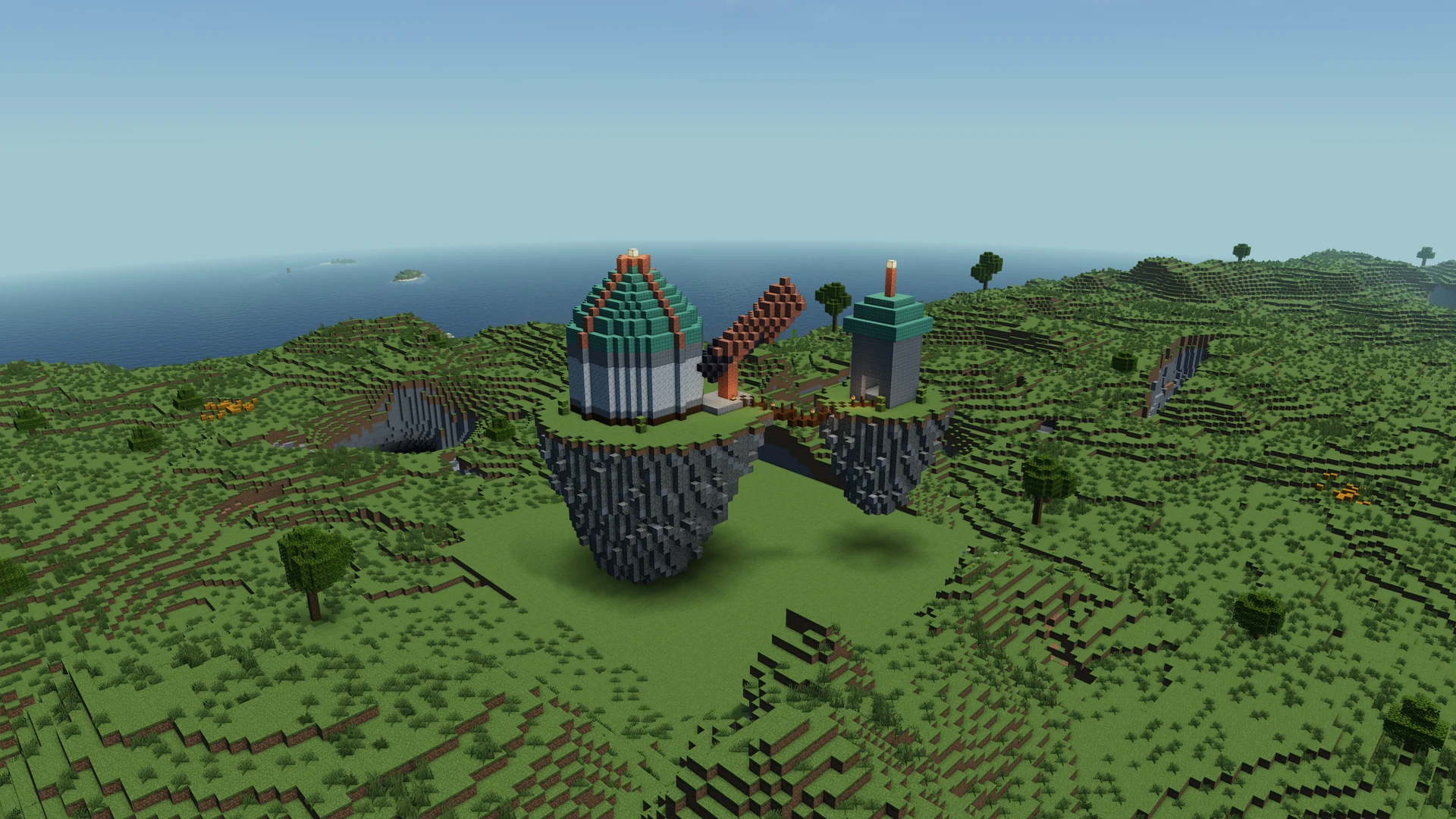 Build by IntoBlocks.app
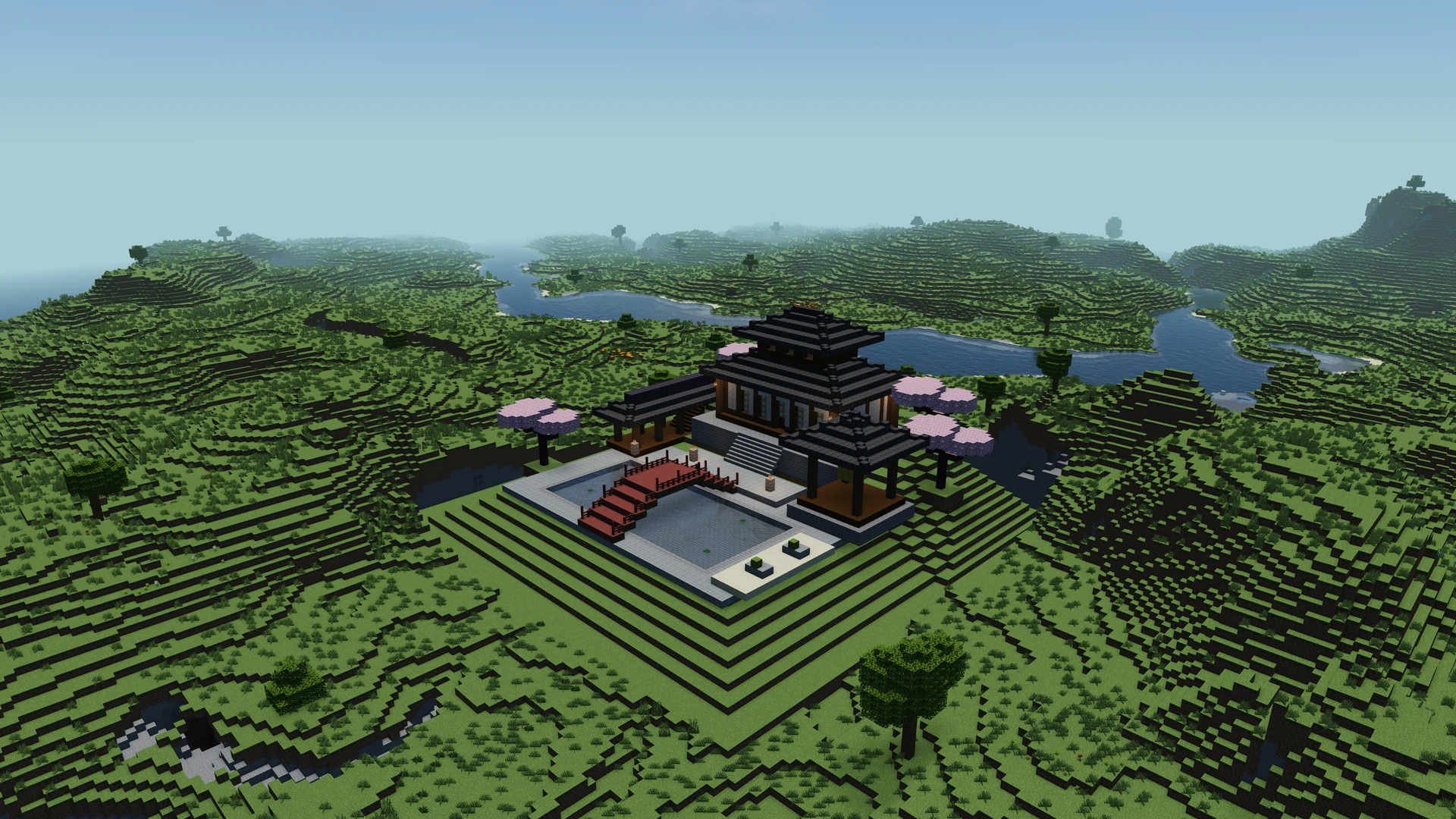 Build by IntoBlocks.app
 Build by IntoBlocks.app
 Build by IntoBlocks.app
 Build by IntoBlocks.app
 Build by IntoBlocks.app
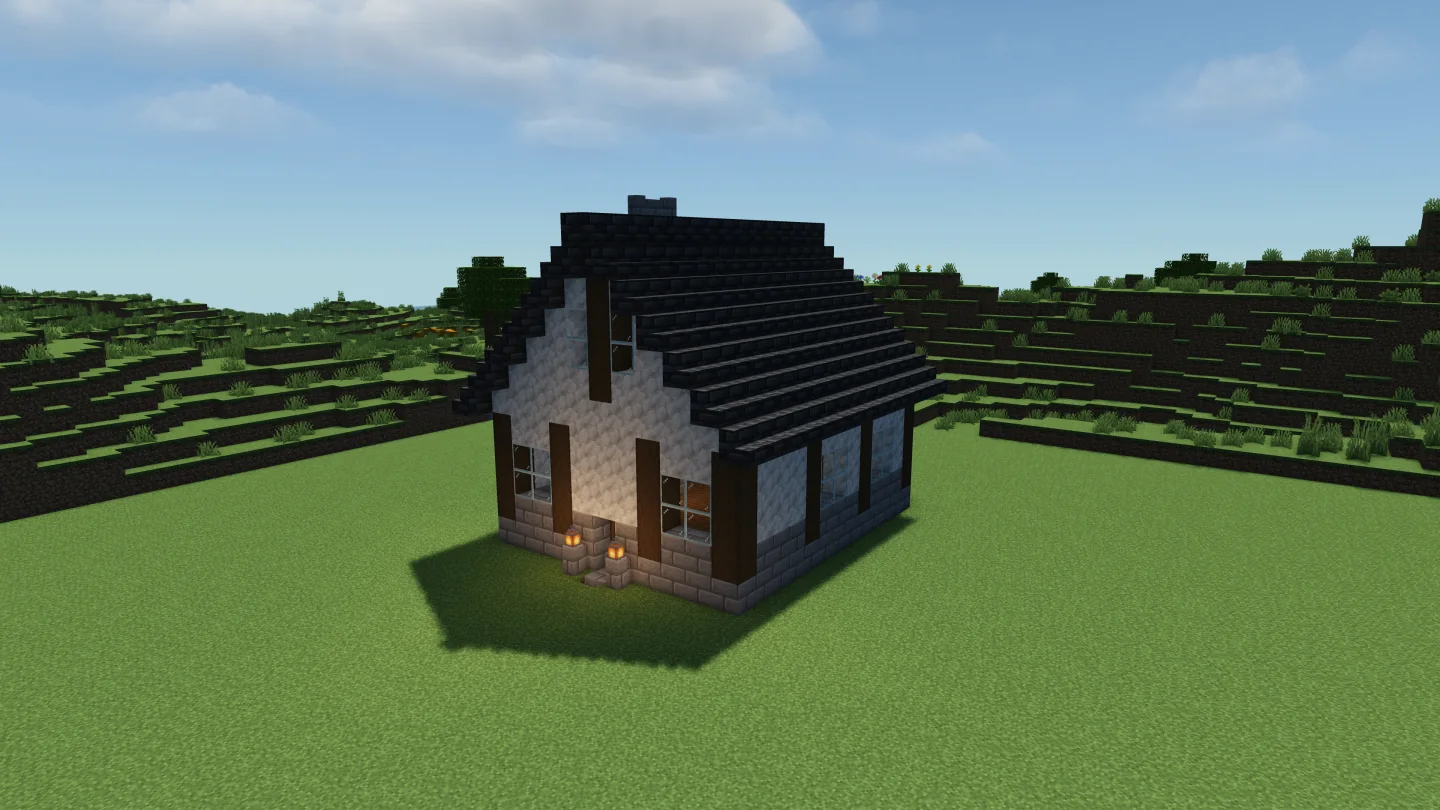 Build by IntoBlocks.app
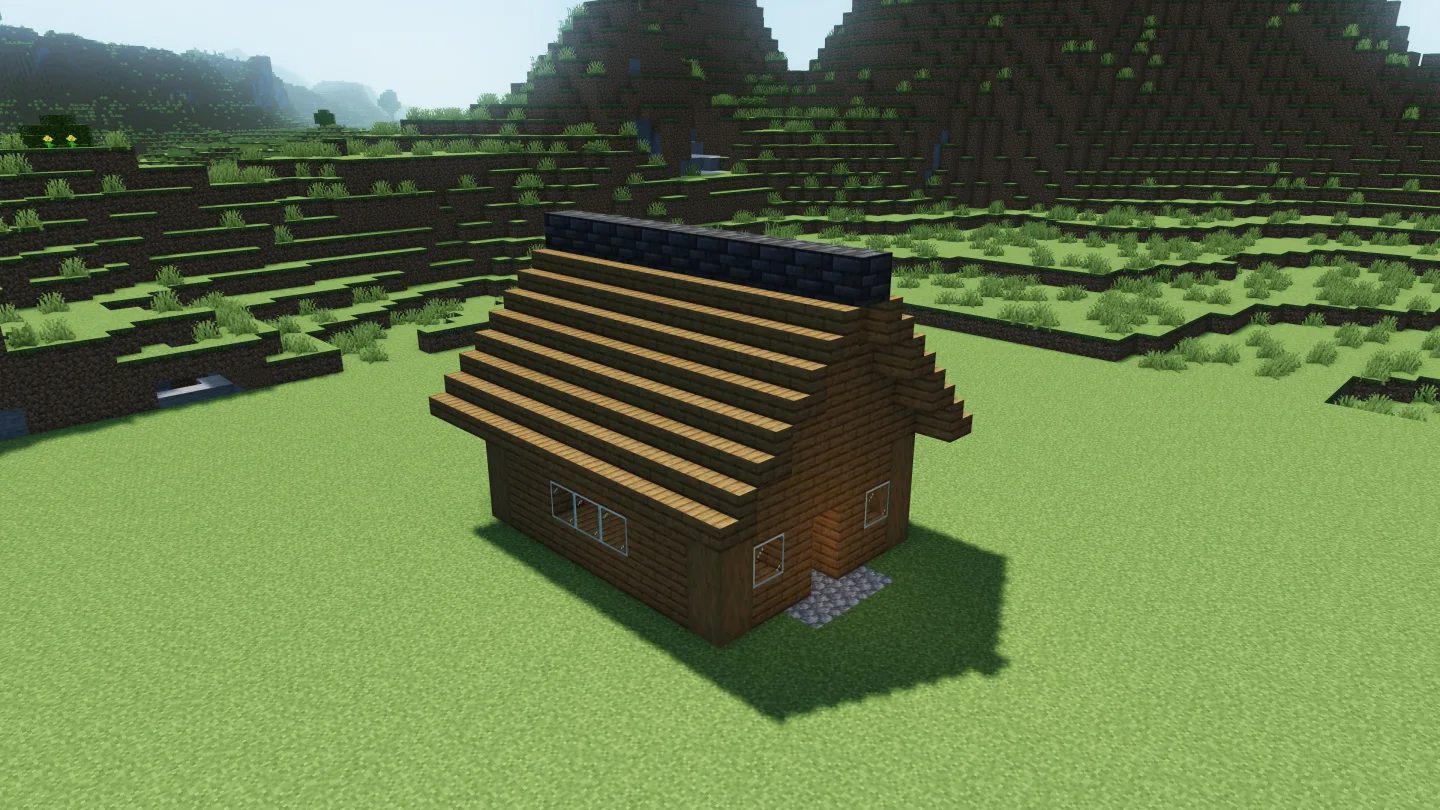 Build by IntoBlocks.app
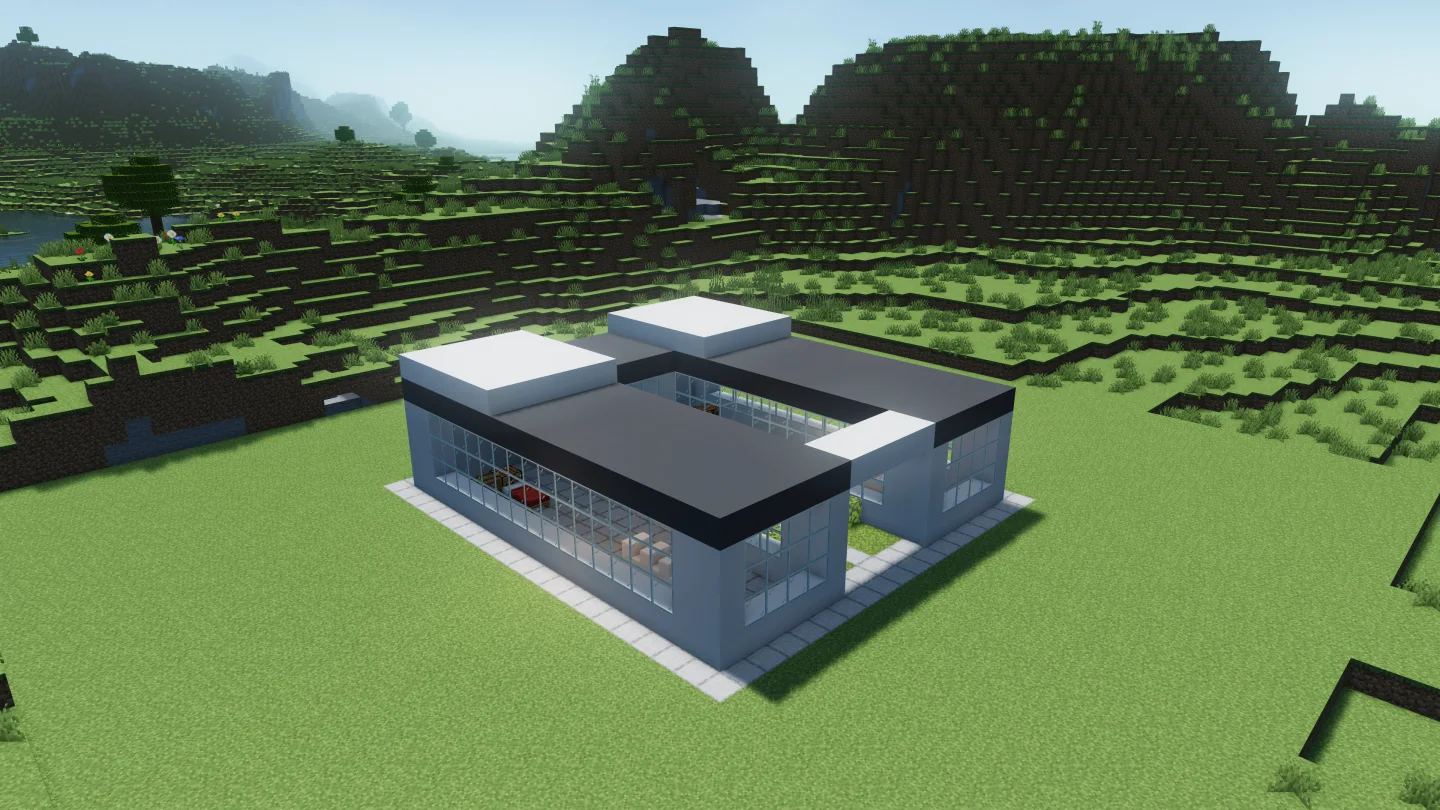 Build by IntoBlocks.app
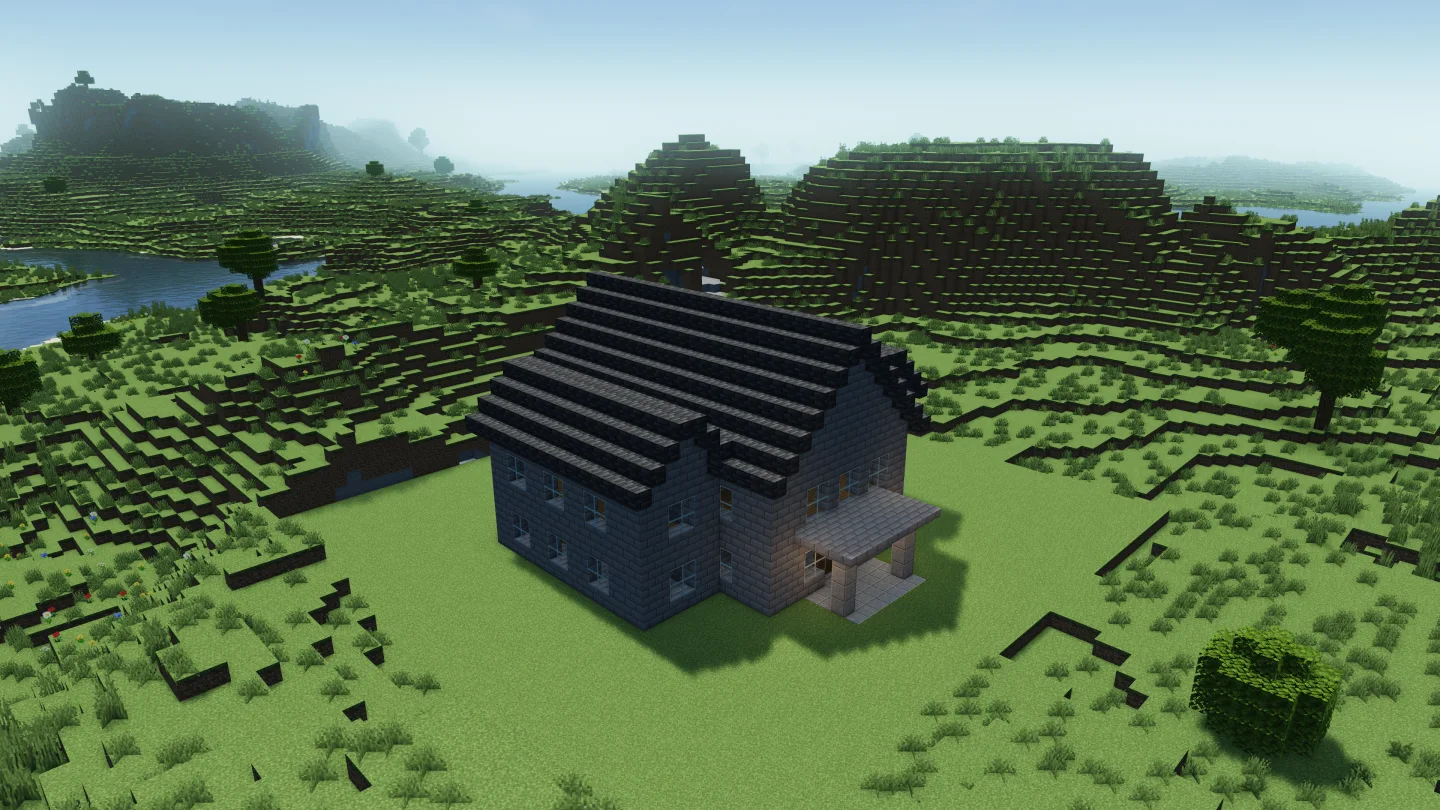 Build by IntoBlocks.app
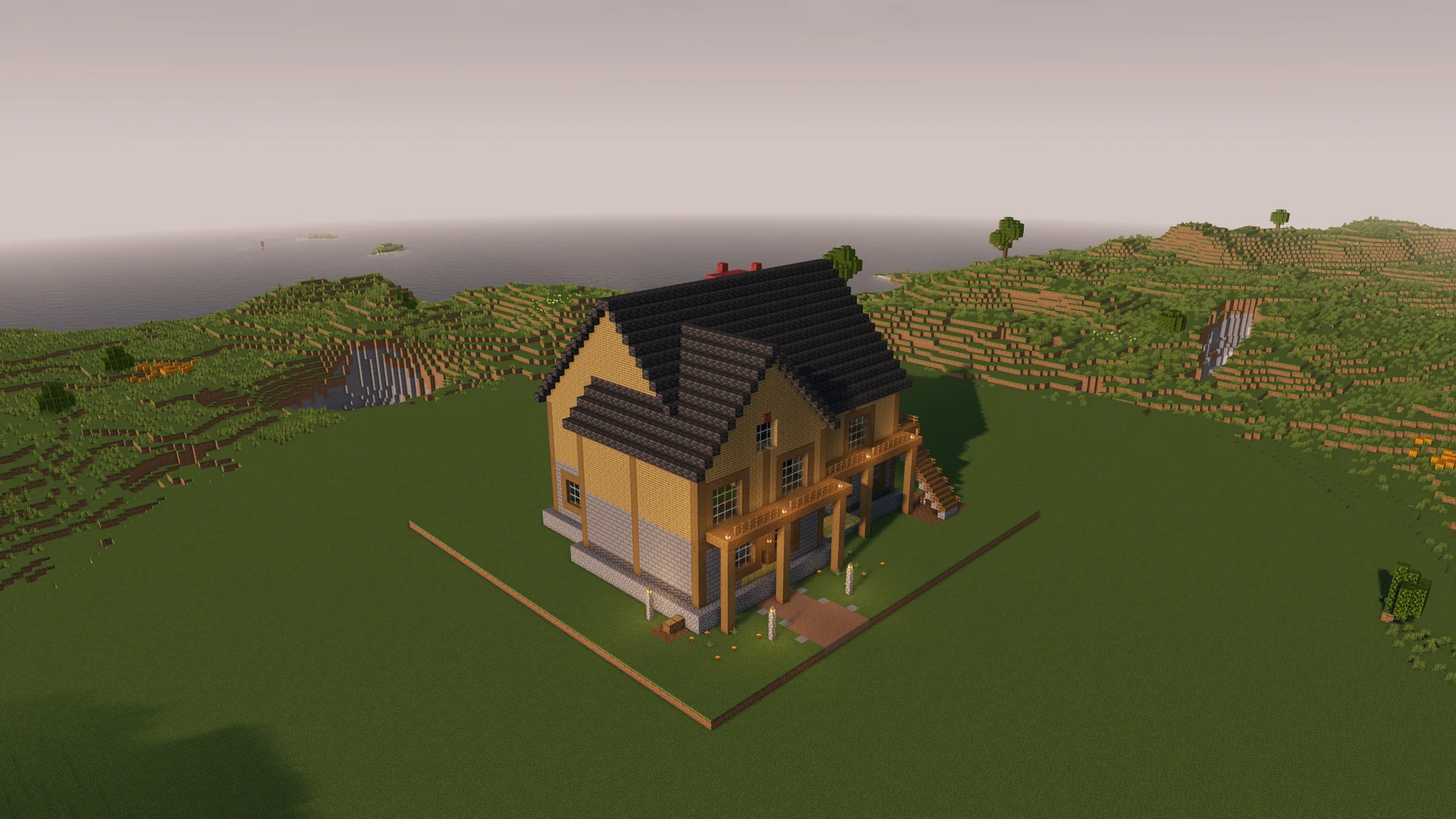 Build by IntoBlocks.app
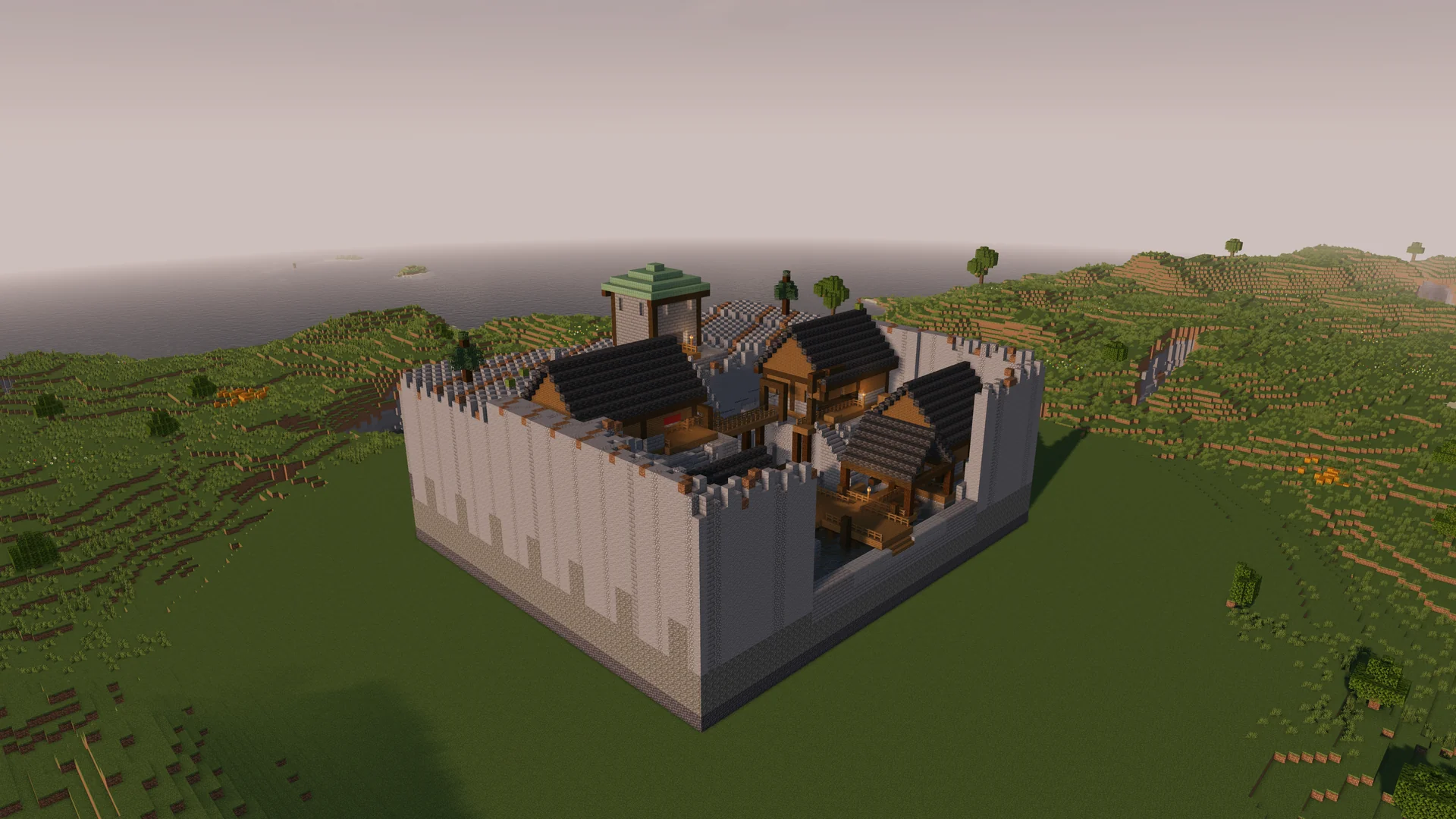 Build by IntoBlocks.app
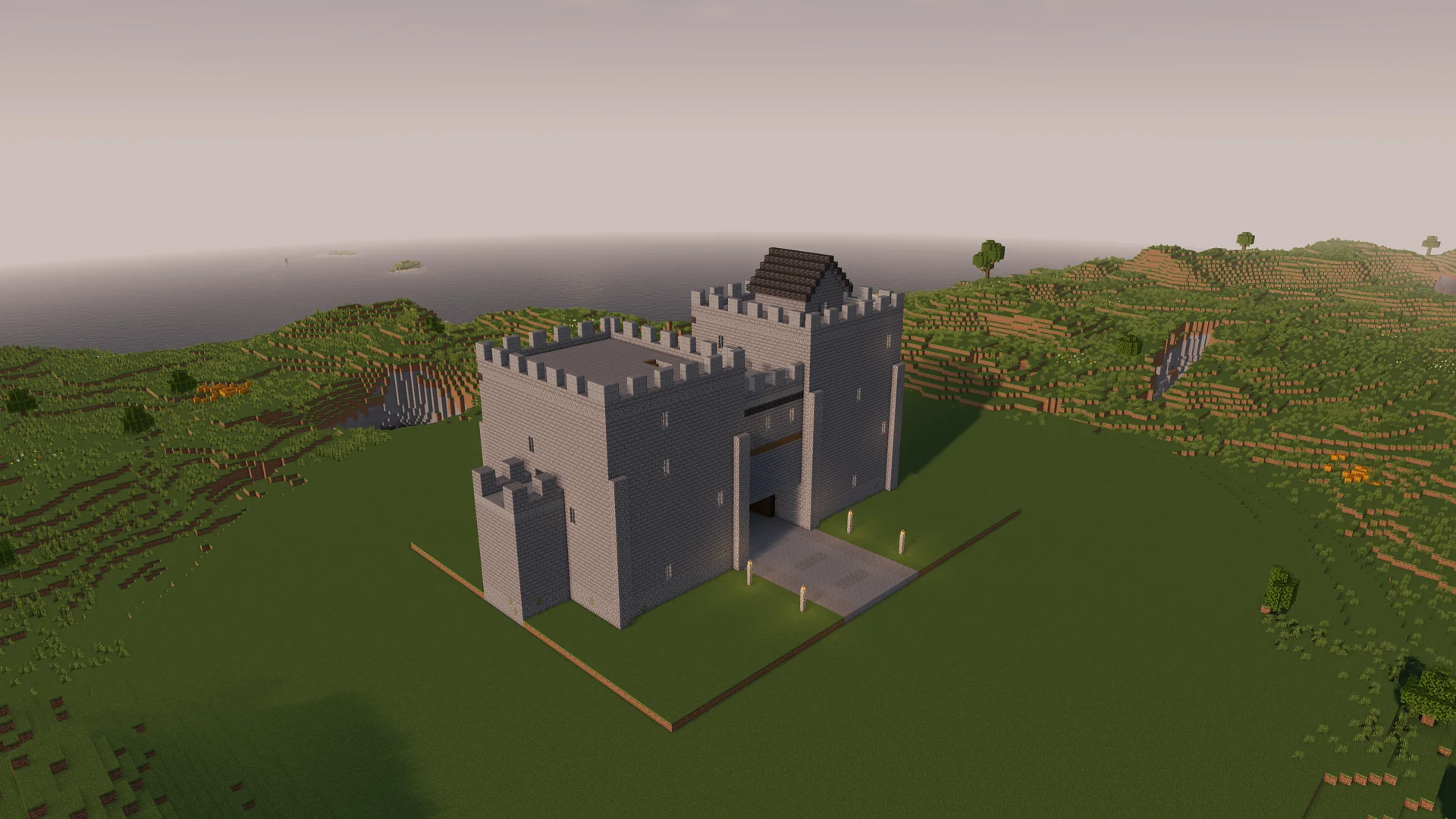 Build by IntoBlocks.app
 Build by IntoBlocks.app
Choose Minecraft schematics that fit your plot, check their previews and dimensions, then download the format your Java workflow uses.
Open the template library and pick a build that suits your project. The house category groups the residential templates together.
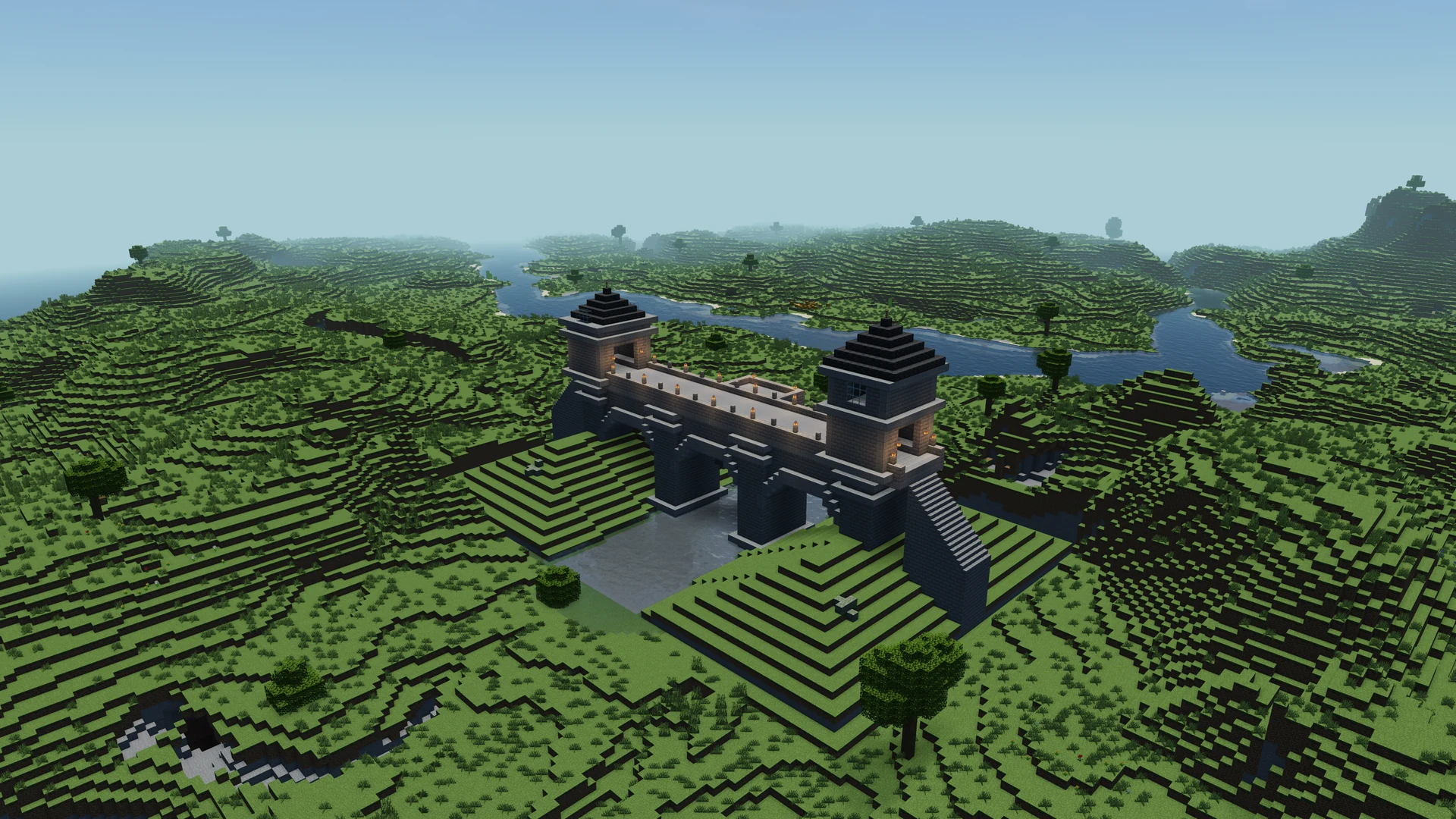
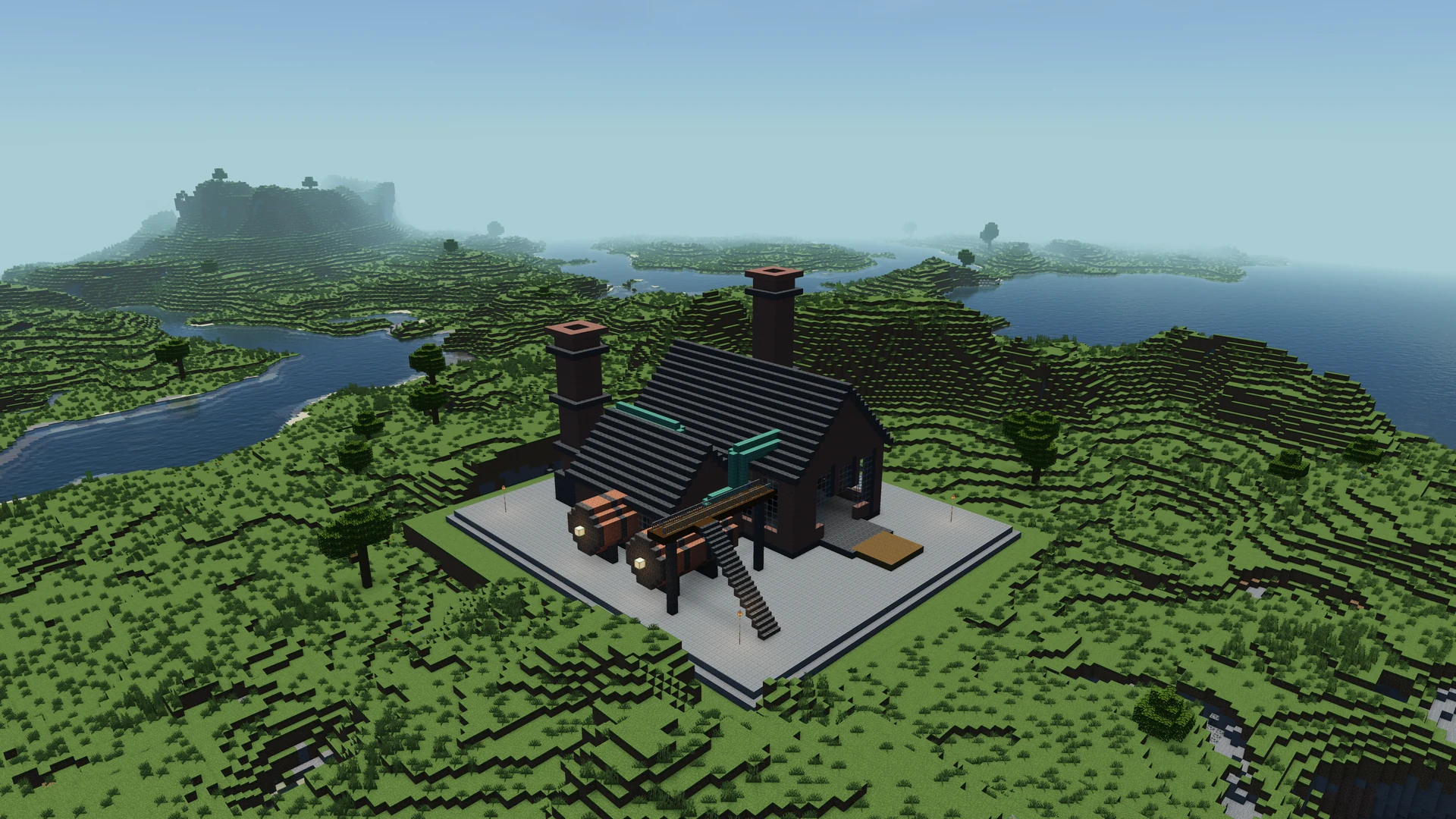
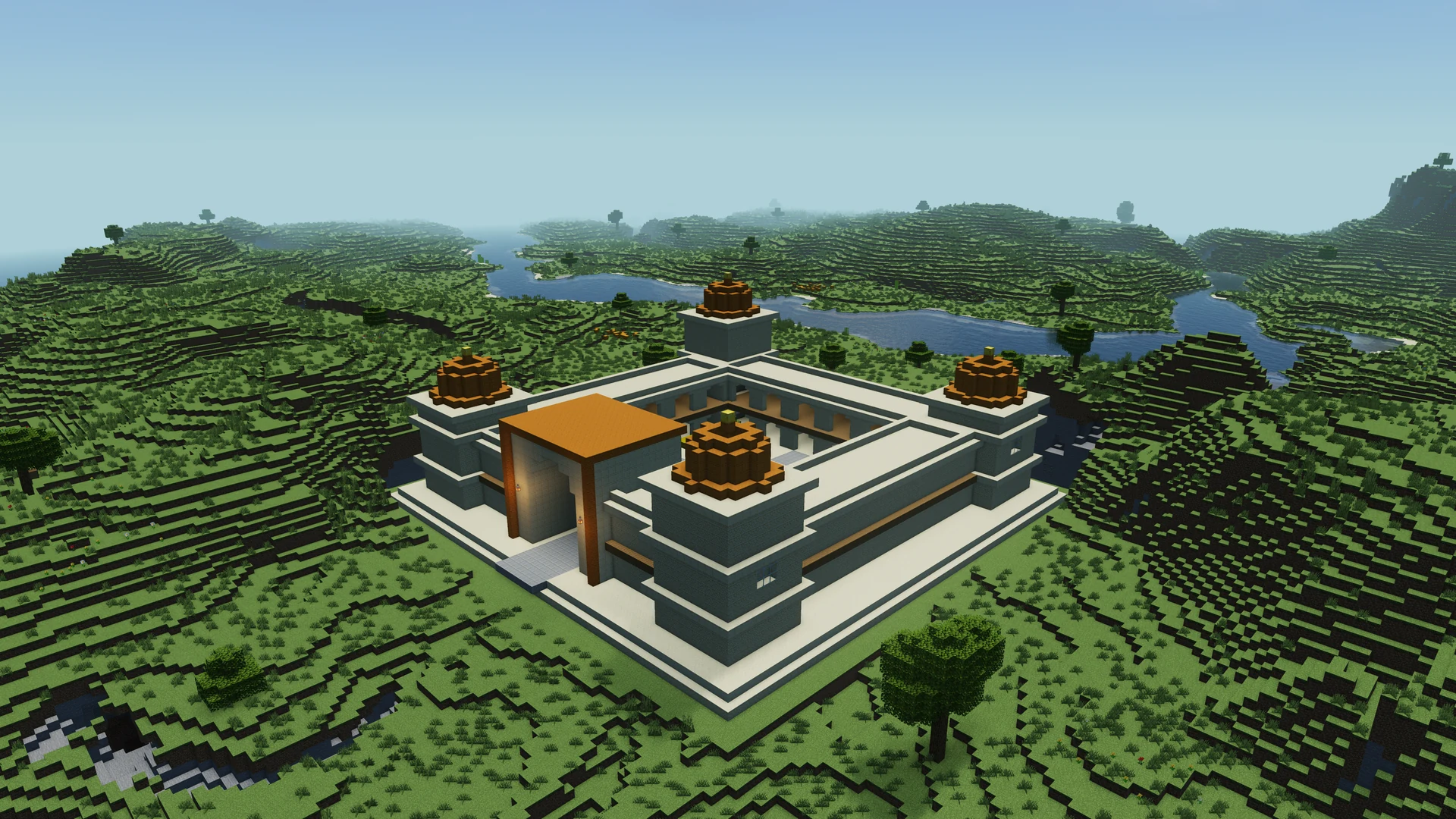
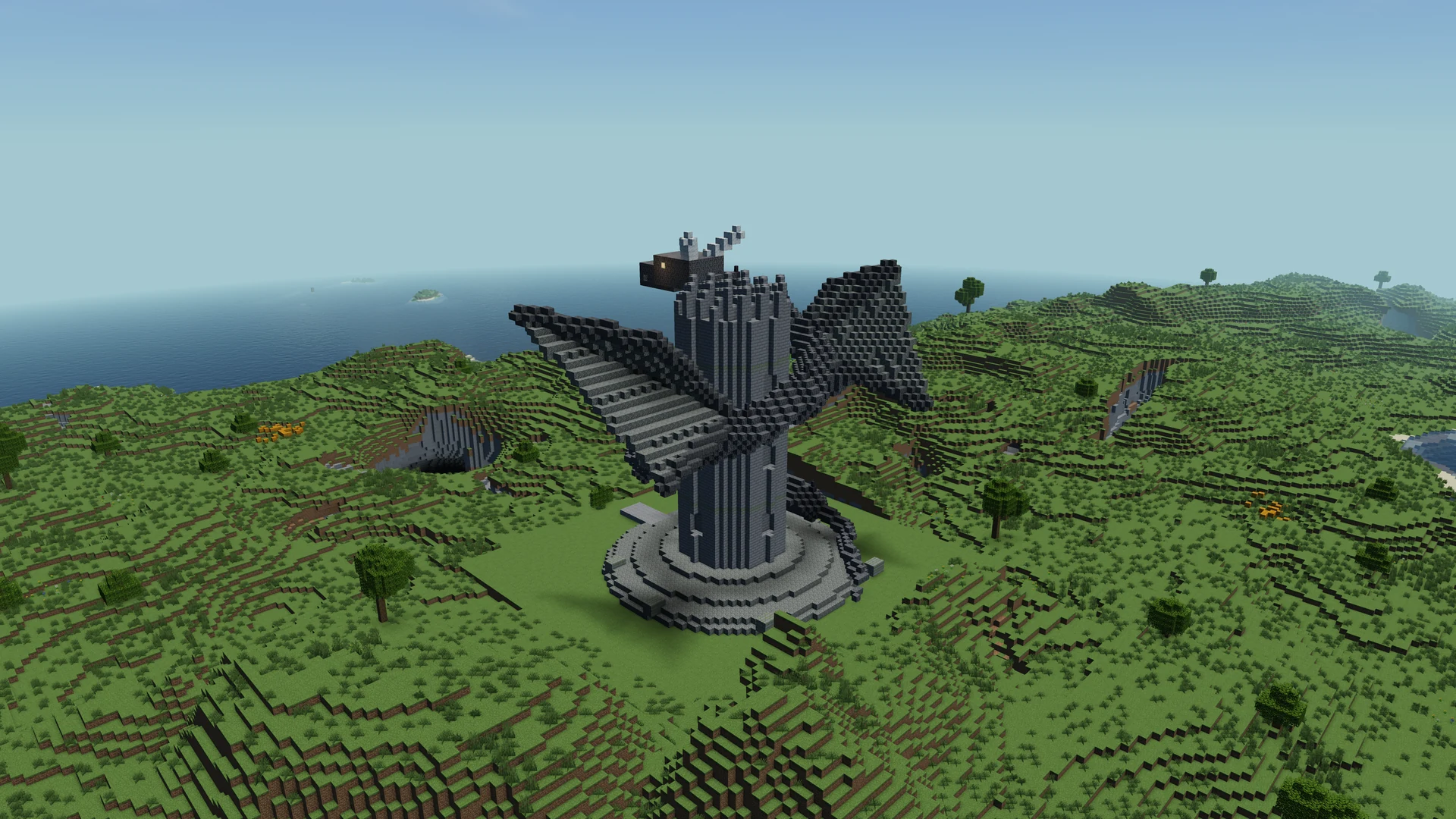
Use the cover images to compare styles, then open a detail page for a closer look.
Review Minecraft schematics from several angles. Check the footprint against your plot and open Materials if you plan to gather the blocks.
Pay attention to features that extend past the walls, such as steps, roof overhangs, and covered entries.
Download Minecraft schematics as .litematic for Litematica or .schem for a compatible WorldEdit setup.
Read the build’s version notes, then test the placement in your target Minecraft Java environment.
How to choose a template, preview it, and use the right download for Minecraft Java Edition.
Open the IntoBlocks schematic library, choose a build, and use the download on its detail page. The page shows which formats are available and gives you a 3D preview so you can inspect the structure before choosing a file.
Download the .litematic file for your Litematica workflow. Check that your installed version of the mod works with your Minecraft Java version, then load the file and check how its overlay lines up with your plot.
Choose the .schem file for a compatible WorldEdit setup. Check the version notes on the detail page and test the paste somewhere you can inspect the position, orientation, and block states before placing it in your main build area.
Yes. Open a template to see its gallery and interactive 3D preview. Rotate and zoom to inspect details such as entrances and roofs. Use the Materials panel if you want to see what you would need to gather.
The dimensions on the featured cards are width, height, and length in blocks. Use width and length to estimate the footprint, then check height separately for roof clearance. If you rotate a rectangular build by a quarter turn, swap which side of the plot needs to fit each horizontal measurement. Allow space outside the listed footprint for paths, stairs, and terrain work.
Open the template preview and switch to Materials. Look at the quantities for the main building blocks, then check smaller items such as stairs and slabs. If you want to use a different wood or stone, note which parts of the building use each material before making substitutions. You can also choose a smaller template if you want to keep the first gathering trip manageable.
Find the main entrance in the gallery, then rotate the interactive preview to see what sits beside and behind it. Think about how you will arrive from a road, dock, or neighboring build. Once you load the schematic in Minecraft, check the facing and ground level using your import tool before settling on a final position.
Check the template’s version notes and make sure your import tool supports the file format. A build may use blocks that were added after your version. Test the download in your target world or a separate test world before committing to the placement.
Yes. The house collection groups cabins, cottages, modern houses, and the stone manor. Compare the previews and dimensions to see which design fits your plot. Browse Minecraft house schematics.
You can open a supported local schematic in the Minecraft Schematic Viewer. The viewer accepts .schem, .litematic, and Minecraft structure .nbt files and lets you inspect the model and its materials in the browser. Explore the Minecraft Schematic Viewer.
Start with your own prompt or reference image in IntoBlocks Agent Mode.
Open Agent Mode